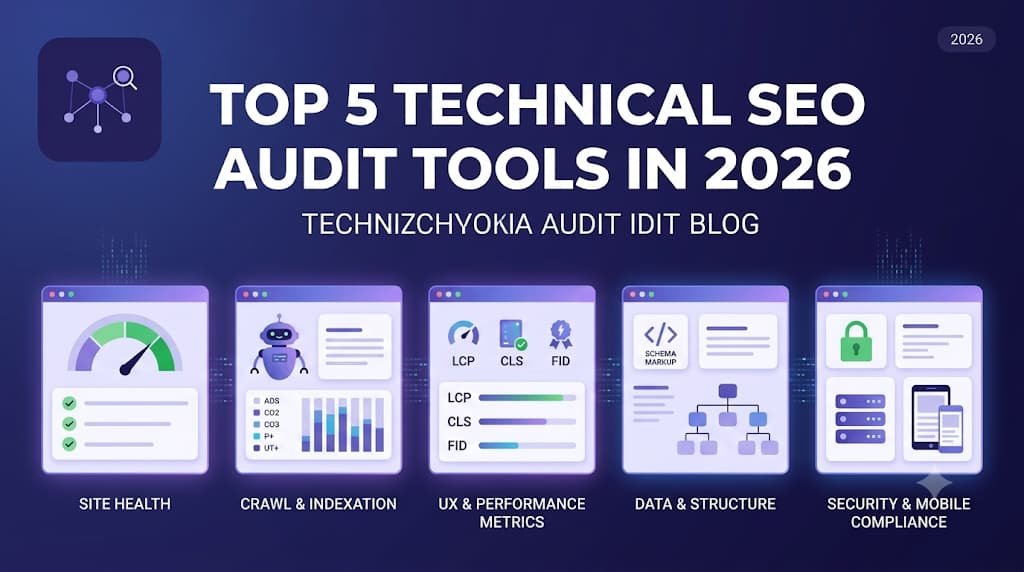
Top 5 Technical SEO Audit Tools in 2026 (Honest Comparison)
What a technical SEO crawler actually does, and how the top five audit tools compare: Semrush Site Audit, Ahrefs Site Audit, Alpha Crawler, Screaming Frog and Seobility.
Updated September 2026
From issue to evidence
Issues and affected URLs
Open Technical issues, choose Critical, Moderate or Low priority, search a URL or title, then choose an issue. The Affected URLs subtab shows matching pages and resources with response details. Switch back to Issues to choose the next fix.
Health that reflects impact
Priorities include robots access, 5xx responses, 404s, redirect chains, insecure links and broken scripts or stylesheets. Scores use observed impact and crawl coverage. They are technical audit indicators, not Google ranking scores.
Your sites and their history
Guests can crawl. Sign in to manage multiple websites and save their reports. Choose once, daily, weekly or monthly. Summary history tracks scores and issue counts; monthly archives preserve detailed reports when a crawl completes. Repeat schedules require the service to be running.
AI when you choose it
Open AI Connections, choose OpenAI, Gemini, Claude or an OpenAI-compatible API, enter a text model ID and API key, then Test & connect. AI Summary appears after connection. You can also copy an aggregate audit brief into any AI app without an API connection.
Measured performance
Review slow responses, large resources, compression and mixed content across HTML, images, JavaScript, CSS, PDF and other files. Use PageSpeed for browser diagnostics and available field data for Core Web Vitals.
Reports and connected metrics
Connect your own Search Console and GA4 properties to show their reporting data. Export a PDF action plan or filtered CSV. Saved reports and connections remain scoped to your account.
Technical health in Looker Studio
After a crawl is saved, open Looker Studio in the sidebar and create your read-only score and error key. Open the connector, authorise it with that key, choose one website and add a scorecard using Technical health score. Choose Site summary for the latest technical score and issue counts. Add a second source using Issue breakdown for issue names, priorities and affected-page counts. Page URLs and Google reporting metrics are not shared. Refresh the source after a new saved crawl. Replace or revoke your key from the same screen.
Technical SEO auditing is crowded, and every tool claims to be essential. This guide explains what a crawler actually does, then compares five of the most capable options honestly — including where each one is the right choice.
What Is a Technical SEO Crawler?
A crawler is software that visits your website the way a search engine bot does: it fetches a page, extracts its links, follows them, and repeats until it has mapped the whole site. Along the way it records everything a search engine would evaluate — status codes, titles, meta descriptions, headings, canonical tags, structured data, page weight, internal links and more — then flags whatever deviates from best practice. A good audit tool doesn't just collect this data; it prioritises it, so you fix the 5 issues that matter instead of scrolling through 500 that don't.
1. Semrush Site Audit

Semrush's Site Audit is part of a large all-in-one marketing suite. Its strength is context: audit data sits beside keyword rankings, backlink data and competitor research, and thematic reports (crawlability, HTTPS, Core Web Vitals, internal linking) make findings easy to present to stakeholders. The trade-off is cost — site audit comes bundled with a full subscription — and crawl limits tied to your plan tier. Best for marketing teams already invested in the Semrush ecosystem.
2. Ahrefs Site Audit

Ahrefs pairs its crawler with the industry's best-known backlink index. Site Audit is fast, cloud-based, and its health score plus issue-change tracking between crawls is excellent for monitoring. Where it shines is combining internal audit data with external link data in one place. Like Semrush, it's a paid suite, and technical depth on things like per-URL rendering detail is lighter than a dedicated desktop crawler. Best for teams who want audits and link intelligence from one vendor.
3. Alpha Crawler

Free deep technical SEO crawler — up to 10,000 pages
Alpha Crawler (that's us) is a free, dedicated technical crawler optimised purely for technical auditing — up to 10,000 pages per crawl with configurable depth, scope and sitemap control. It covers the full diagnostic checklist (titles, metas, H1s, orphan pages, sitemap gaps, slow responses, broken assets, large payloads), adds a per-URL deep-dive with link graph and a property-level structured data validator, visualizes site architecture as an interactive tree, checks whether AI crawlers like ChatGPT-User and Google-Extended can access your site, integrates Google Search Console, and exports every report to CSV and PDF. Optional AI summaries (connect your preferred supported provider) turn each report into a plain-language action plan. Best for website owners and consultants who want deep technical audits without a subscription — and agencies can get custom limits and support on the agency plan.
4. Screaming Frog SEO Spider

The pro desktop crawler with maximum configurability
Screaming Frog is the long-standing desktop crawler that many SEO professionals learned on. Its configurability is unmatched — custom extraction, JavaScript rendering, log-file analysis integration and granular exports. The trade-offs: it runs locally (crawl size is limited by your machine's memory), the interface has a learning curve, and the free tier caps at 500 URLs with a paid licence beyond that. Best for hands-on technical SEOs who want maximum control and don't mind a desktop workflow.
5. Seobility

Beginner-friendly web-based SEO checker with free tier
Seobility is a web-based all-in-one SEO checker with an approachable interface, a solid free tier and built-in rank tracking. Its audit covers the fundamentals well and the scoring is beginner-friendly, though technical depth (rendering detail, structured data validation granularity) is lighter than the dedicated crawlers above. Best for small site owners and beginners who want a gentle, guided overview.
Which One Should You Pick?
If you already pay for Semrush or Ahrefs, use their audits — the integration value is real. If you want maximum desktop control and have the budget, Screaming Frog remains the specialist's tool. If you're starting out, Seobility is friendly. And if you want a deep, dedicated technical audit — up to 10,000 pages, full diagnostics, schema validation, AI-era visibility checks and unlimited exports — at exactly $0, run Alpha Crawler first and see what it finds.
Want help interpreting your first audit, or need agency-scale crawling? Contact us at support@alphacrawler.org or through our contact page.
Run a Free Technical Audit of Your Site
Up to 10,000 pages. Every diagnostic. CSV & PDF exports. Free.
support@alphacrawler.org · LinkedIn